★ RateMe Assets · Free
Know who has it, and what state it’s in.
RateMe Assets keeps an append-only custody record for everything your organisation owns. The person receiving an asset confirms it from a link, and its condition is captured at the time.
- Free, with no asset limit
- No card required
- QR labels any phone can scan
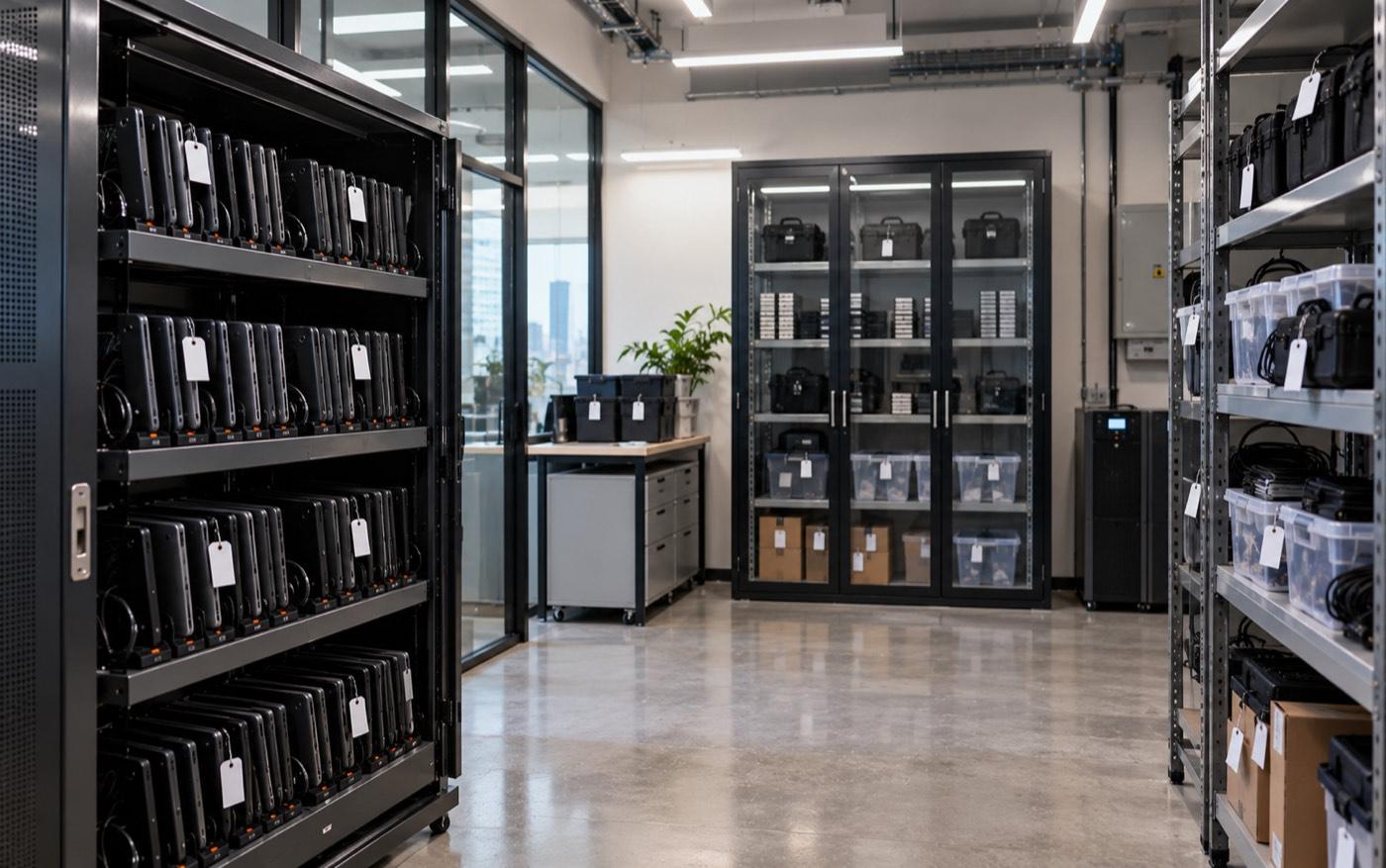
Register, hand off, confirm, trace. Every step on the record.
Put what you own on record
Import the register you already keep as a CSV file: match its columns to ours, and every row is checked before anything is saved. Or add assets one at a time. Each one gets a QR label to print, and each category can carry its own fields.
- CSV import, checked before it saves
- Your own fields for each category
- A QR label for every asset
Check out, transfer, check in
Assign an asset to a person, set a due-back date, and record its condition and category fields at the moment it changes hands — a vehicle’s mileage, a generator’s fuel level.
- Check-out, transfer, check-in
- Due-back dates
- Condition at every handoff
The receiver confirms it
The custodian gets a link to accept or decline the handoff. They don’t need an account. Their answer is written to the record with the time, and you can send a reminder to anyone who hasn’t answered.
- Accept or decline from a link
- No account needed to respond
- Send a reminder if they don’t answer
Answer “who had it?” from the record
Every handoff adds an entry, and entries can’t be edited, so the history stands up. Overdue items surface on the dashboard, and the reports export to CSV.
- Full custody history
- Audit log of every action
- CSV reports
Sign-out sheets don’t confirm. Spreadsheets don’t remember.
| Question | Sign-out sheet | Spreadsheet | RateMe Assets |
|---|---|---|---|
| Who has it right now | Flip through pages | If someone updated it | On the asset, always |
| Receiver confirms the handoff | A signature, if asked | No | Accepts or declines from a link |
| Condition at each handoff | Rarely | Rarely | Captured every time |
| Past entries can’t be edited | Pages go missing | Anyone can edit a cell | Append-only record |
| Find an item by scanning it | No | No | Scan its QR label with a phone |
| Overdue items | Someone has to notice | A formula, maybe | On the dashboard |
The rest of what you’d expect, free.
Readings
Log meter readings independent of custody, like a generator’s start- and end-of-day fuel.
Locations
Know which site, office or store each asset belongs to.
Bundles
Check out a kit together, while each item keeps its own custody record.
Custodians
A directory of the people who hold your assets, and what each one holds now.
Statuses
Available, assigned, in transit, in repair, retired or lost.
Workspaces
Run more than one organisation, with sign-in through your RateMe account.
Built for
- OfficesLaptops, phones and access cards
- SchoolsProjectors, lab kit and devices
- HospitalsPortable equipment between wards
- SitesGenerators, tools and plant
- FleetsVehicles, with mileage and fuel at handoff
RateMe Assets FAQ
Is RateMe Assets free?
Yes. It is part of the free RateMe tools suite. Create one RateMe account, with no card required, and start tracking assets. There is no limit on how many you track.
Does the custodian need an account?
No. When an asset is handed to someone, they get a link to accept or decline it. Their answer and the time go on the record.
Can I import my existing asset register?
Yes, from a CSV file, up to 2,000 rows at a time. Each row needs its own tag. You match your columns to tag, description, category, location, serial number, status, condition, vendor and cost, and the file is checked before anything is saved, so you see which rows will come in and why any are skipped. Who holds each item isn’t imported: you check assets out afterwards.
How does QR scanning work?
Every asset gets its own QR label. Scan it with a phone’s camera and, once you’re signed in, it opens in the browser: what the asset is, who holds it, and its history. There is no app to install.
Can it handle assets across multiple locations?
Yes. Each asset belongs to a location, and a location’s admin can accept what is transferred to it from a link. A register spread over several sites stays in one place.
Can a handoff record be edited after the fact?
No. There is no way to edit or delete an entry in the app. Every handoff adds a new one, so the history builds up as the asset moves.