Free Tool or Custom System? How to Tell When You’ve Outgrown the Free Plan
RateMe’s six free tools are a good start for a small team. Here’s how to tell when you’ve outgrown a free plan, and what a custom system changes.
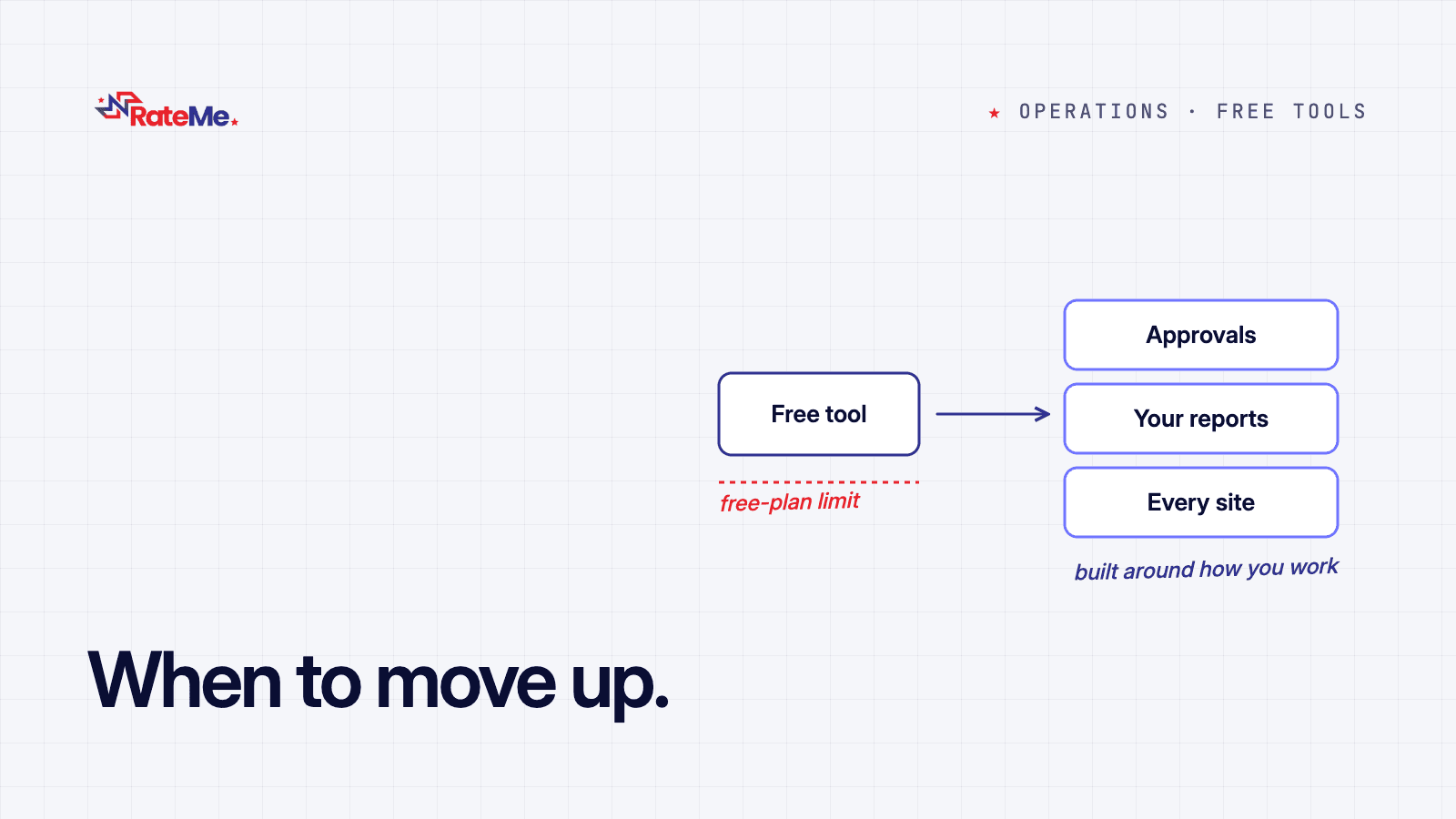
Most organisations we talk to start in the same place: a spreadsheet, a WhatsApp group and one person who remembers everything. That works until it doesn’t. Our free tools are for the step after that, and a custom system is for the step after that. This post is about telling the two apart.
What the free tools are for
There are six, and they share one RateMe account: one sign-in, one workspace and one team, so you add your staff once. Each tool does one job, and each is free within a limit:
- RateMe Assets: who holds what, in what condition. Free, with no limit on assets or custodians.
- RateMe ERP: sales, invoices, stock and payroll on one ledger. Free for up to 100 products, 10 staff on payroll and 4 team members.
- RateMe Logistics: every package from intake to doorstep. Free for up to 300 packages a month and 1 hub.
- RateMe Procurement: requisitions, approvals and purchase orders. Free for up to 50 requisitions a month and 20 vendors.
- RateMe Invoices: receipts and invoices. Free for up to 50 invoices, 50 customers and 150 receipts.
- RateMe Workforce: employees, sites, shifts and attendance. Free for up to 3 employees and 3 sites.
There’s no card to enter and nothing to pay. For plenty of small teams, that’s all they need for a long time, and we’re happy to say so.
Five signs you’ve outgrown a free plan
- You keep hitting the limit. The tool tells you when you reach it. If that happens every month, the business has grown past what the free plan was built for.
- Your process has steps the tool doesn’t. An approval that depends on the amount, a report your board expects in its own format, a rule only your industry has. A ready-made tool does one sensible thing; your operation may need another.
- You type the same thing twice. The free tools share your account, but they don’t pass records between each other. If a sale goes into Invoices and then again into ERP, that double entry is a cost you pay every day.
- Each site runs its own way. Several branches, warehouses or project sites, each with its own rules and its own spreadsheet on the side.
- The workaround is bigger than the work. When your team keeps a spreadsheet next to the tool “just to be sure”, the tool has stopped being the record.
What a custom system changes
A custom system is built around how your organisation actually runs: your approval chains, your reporting formats, your sites. Finance, stock, purchasing and people sit in one record instead of several tools, it works with the tools you already use, and your existing data comes with you.
It also costs more and takes longer than a free tool, so it should earn its place. We’ve written about what drives the cost of a custom ERP, and about whether you need an ERP at all.
How to decide
Start with the free tool that matches your biggest headache. If you recognise two or more of the signs above, book a free 20-minute call. We’ll ask how the work really happens, including the unofficial way, and tell you honestly what would help. Sometimes that’s a custom system. Sometimes it’s staying on the free plan, or fixing a step in the process before any software.
See the six free tools, or tell us what you’re running.
Got a system like this to build?
Tell us what you're running and we'll show you what a system built around your organisation looks like.
Book a discovery call